Lovable guide
Lovable Free Import: how to move your website or app to Lovable
A Certified Lovable Expert's guide to Lovable's Free Import offer: what it moves, what it leaves behind, how businesses can switch safely, and how agencies can use it to manage client websites.
The basics
What is Lovable Free Import?
Most businesses don't start from a blank page. They already have a website on WordPress, Wix or Squarespace, or an app that was started in another AI tool like Replit, Bolt or v0. Moving all of that by hand used to mean weeks of rebuilding before you could make a single improvement.
Lovable Free Import is Lovable's answer to that problem. Its promise is simple: "Bring the work you already have, then describe what you want to build next." You paste a website address or attach your app's code, Lovable rebuilds it as a project you can edit by chatting, and you continue from there.
As a launch offer, your first eligible import is on Lovable. According to the official page, the import is free until you see a working preview. After that, standard credit usage applies. There is one free import per account and per workspace, and it is shared between the two import types, website and project.
I have moved websites and apps into Lovable for clients as a Certified Lovable Expert, and this guide explains the offer in plain terms: what it does well, where it stops, and how to plan the switch so you don't lose customers, form leads or Google rankings along the way.
Sources
Three ways to bring your work into Lovable.
Free Import supports two kinds of starting point: a live website, or an exported project. In the import dialog, these appear as separate sources.
Website address
Paste a website's URL and Lovable rebuilds it as a project you can edit. It recreates the page with modern code and checks it against the live site.
Replit export
Attach a Replit export as a ZIP and Lovable migrates the app into a project, follows its migration playbook, and checks that the app builds.
Bolt export
Attach a Bolt export as a ZIP and Lovable moves the files across and confirms the app builds inside Lovable.
Other tools
Code exported as a ZIP from Manus, Base44, v0 or any other tool can also be attached and migrated.
A website import is the right choice for marketing sites, brochure sites and landing pages. A ZIP import is the right choice for apps with logic, such as booking systems, dashboards and client portals.
What Lovable's launch video shows
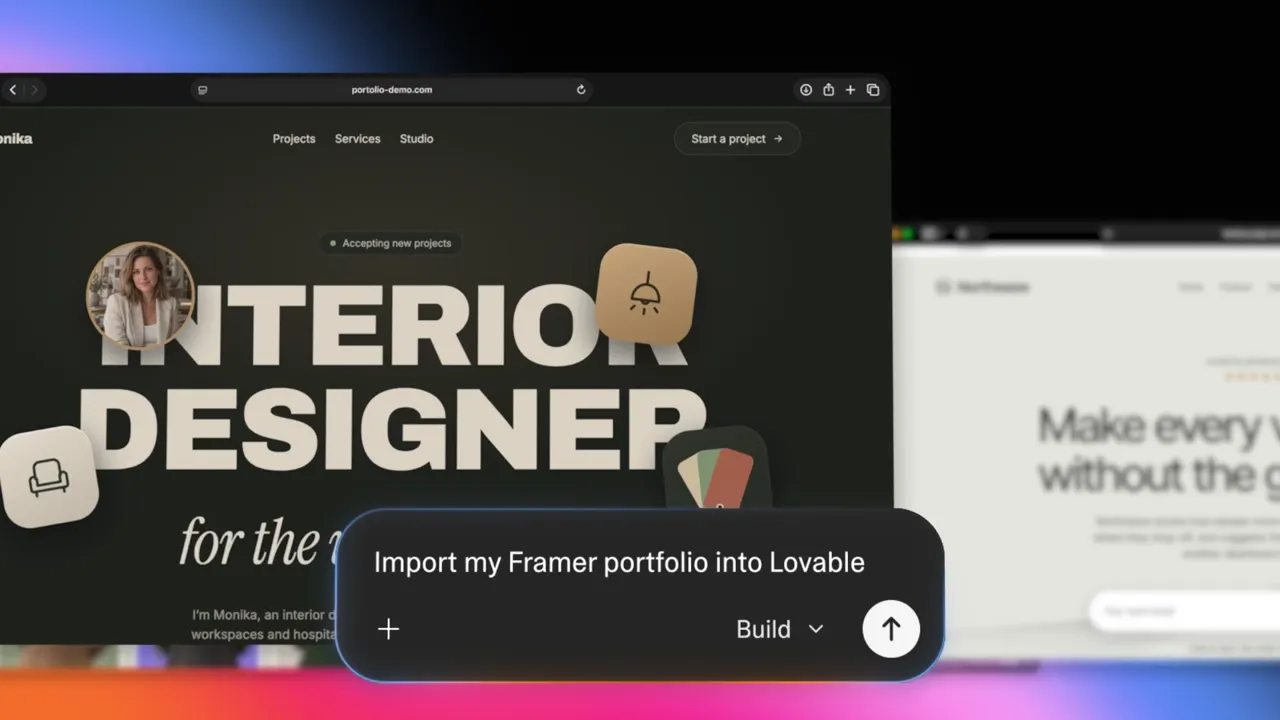
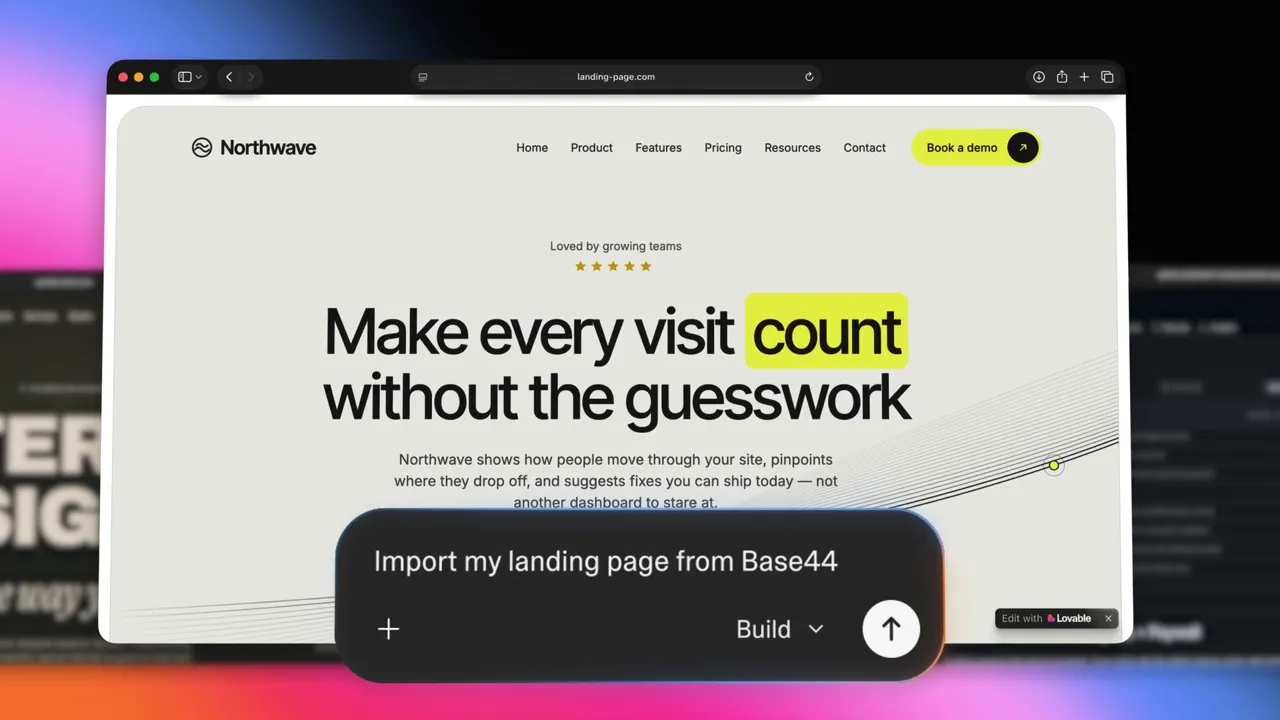
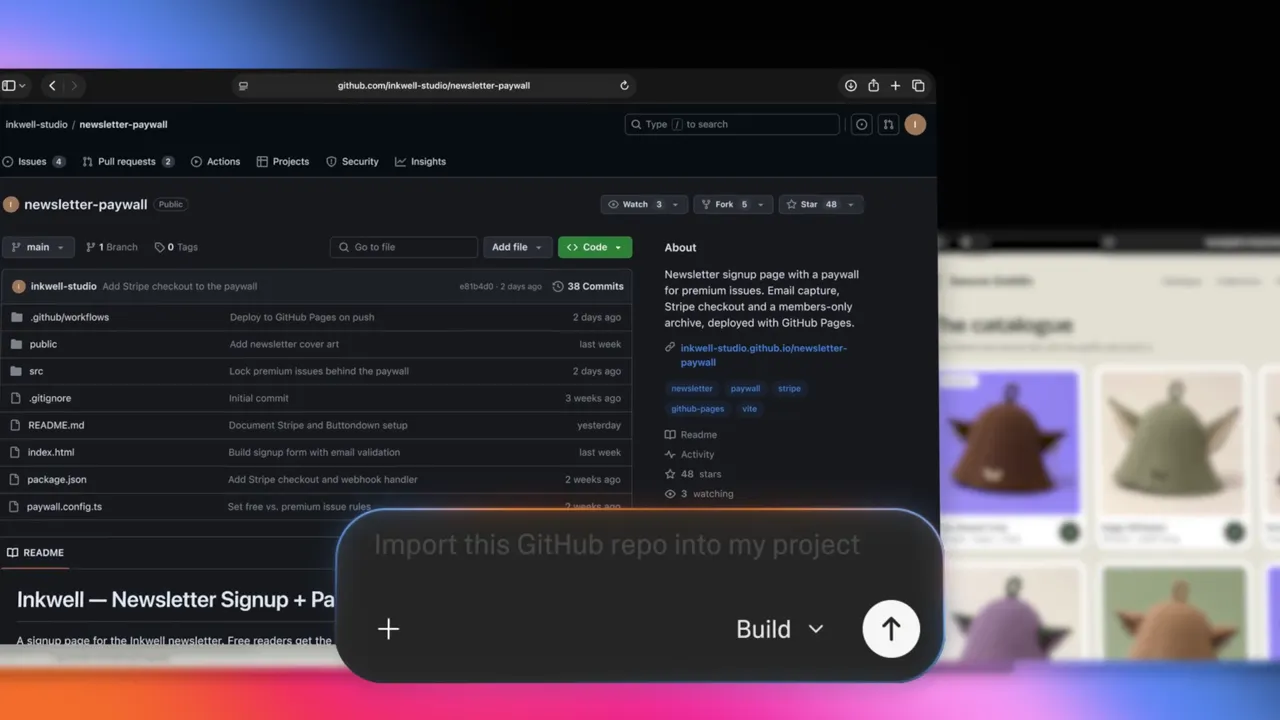
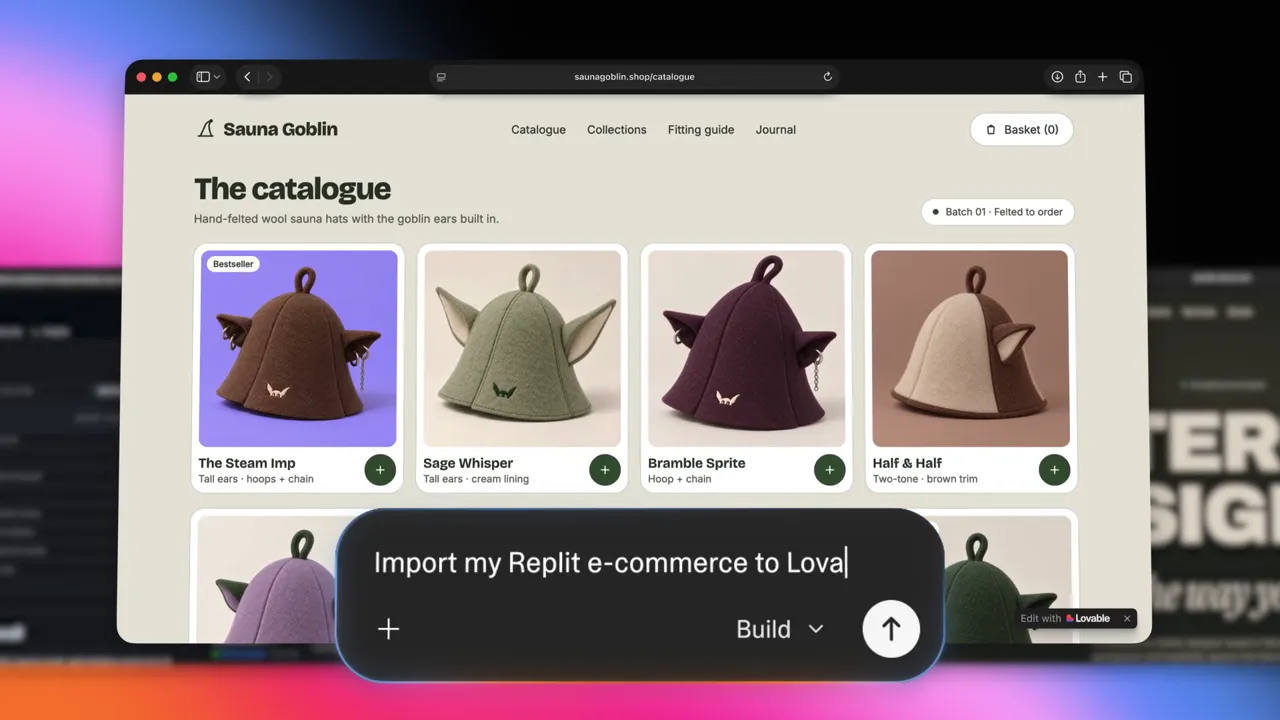
Lovable's launch announcement on X walks through four imports in about twelve seconds. Each one starts with a single plain-language request typed into the Lovable chat box.
Limits
What comes over, and what doesn't.
This is the part most people skip, and it is the part that causes problems later. Lovable is clear about the limits on its own page, so it is worth reading them carefully before you switch.
Website import: comes over
What visitors see: the layout, text, images and overall design of the page you import.
Website import: stays behind
The CMS, contact forms, and sign-in behavior. A WordPress plugin or Wix form will not work until it's rebuilt.
ZIP import: comes over
Your app's code. Lovable moves the files and checks that the project builds.
ZIP import: handled separately
Database and user exports are provided separately for an assisted move, with service keys when requested. Passwords and active sessions don't transfer.
The good news: your existing website or app doesn't change at all. It keeps running while you work. When your new project is ready, you publish it and switch your existing domain to it. Until that moment, customers see your old site as usual.
In practice, this means an import gives you a strong head start, not a finished move. Forms need to be reconnected, logins need to be rebuilt, and data needs a planned transfer. These are usually short jobs in Lovable, but they need to be on your list.
How to
How to import step by step.
- 01
Open the import dialog
In Lovable, choose + → Import project to Lovable, then pick your source: website, Replit, Bolt or another tool.
- 02
Check the Free badge
The dialog shows a Free badge when your import is covered by the launch offer. If it isn't shown, the import will use credits.
- 03
Paste the address or attach the ZIP
Use a website you own or have the owner's permission to copy. For apps, export the full project as a ZIP first.
- 04
Review the working preview
Compare the rebuilt version with your live site page by page. Note anything missing: forms, menus, images, pages.
- 05
Make your first change
Describe what you want next in plain language: a new section, a booking button, a faster homepage.
- 06
Reconnect forms, data and logins
Rebuild forms, move your database and user list, and set up sign-in again where needed.
- 07
Publish and connect your domain
Publish from Lovable and point your domain to the new project. Lovable's custom domain guide walks through it.
For business owners
How Free Import helps your business move to Lovable.
For a small business owner, the real benefit isn't the import itself. It's what happens afterwards. Lovable describes it as "one platform to build and grow your business": after you import, you keep improving your site and reaching customers from the same project.
Edit by chatting
Change prices, add a promo or update opening hours by describing it, instead of waiting for a developer or fighting a page builder.
Get found on Google
Improve page titles, descriptions and structure so people can find you. This is where most old sites are weakest.
Sell online
Add checkout to sell products or services directly from your site.
Market from one place
Create marketing content and campaigns, and send email updates to your customers, from the same project.
Publish on your domain
Publish from Lovable and connect your own domain, so your address and brand stay the same.
Lower switching risk
Your old site keeps running until you switch, so you can test everything first.
A typical example: a local clinic with an old WordPress site that loads slowly and hasn't been updated in two years. After an import, the owner can add online booking, fix the page titles that appear in Google, and publish a faster version, without paying for a full rebuild from scratch.
If you'd rather have it done for you, that's exactly what my Lovable website design service covers, and apps from other tools fit my custom web app service.
Checklist
What to check before you switch your domain.
Before you point your domain at the new Lovable project, go through this list. Each item protects either your customers or your search traffic.
- Keep your old site live until the new one is fully tested.
- List every page on your old site and confirm each one exists in the new project.
- Keep the same page addresses, or set up redirects from old addresses to new ones.
- Copy over page titles and meta descriptions that already rank well.
- Rebuild and test every contact, booking and quote form, including the email you receive.
- Reinstall analytics (such as Google Analytics) so you don't lose tracking.
- Move your database and users, and warn users they'll set a new password.
- Check the site on a phone as well as a computer.
- After switching, submit your sitemap in Google Search Console.
For agencies
How agencies can use Free Import to manage client websites.
Lovable speaks to agencies directly on the Free Import page: "Bring your next client update to Lovable. Rebuild a client's page, make the requested changes, and review the result together. Prepare the launch content in the same project." For a small agency or freelancer, that changes how client work can run.
Pitch with a working preview
Import a prospect's current page (with their permission), show an improved version, and win the project with something real instead of a mockup.
Handle change requests faster
Client asks for a new section or a price update? Make it in the project and share a preview the same day.
Review together
Walk through the preview with the client before publishing, so approvals happen in one place.
Launch content in one project
Prepare announcement posts, emails and landing pages alongside the site itself.
Organizing client work. Keep one Lovable project per client website, with a clear name. Remember that the free import is one per account and per workspace, so for multiple clients, budget credits for every import after the first. Workspaces help you keep each client's projects and team access separate.
Permission matters. Lovable states you should import only a website you own or have the owner's permission to copy. Get that permission in writing as part of your agreement.
A simple monthly routine. Once a client is on Lovable, a light maintenance routine keeps them happy: check forms and bookings still work, review Search Console for errors, apply small content updates, and send a short report. This is the same routine behind my Lovable maintenance service, which agencies can also use as white-label support.
SEO
How to protect your Google rankings during the move.
A website move is one of the few moments where a business can lose search traffic overnight. The import rebuilds what visitors see, but Google cares about addresses, titles and structure too.
- Match your old page addresses exactly, or redirect each old address to its new page.
- Keep the same page titles and descriptions for pages that already rank.
- Add structured data so Google understands your business and pages.
- Publish a sitemap and robots.txt, then submit the sitemap in Search Console.
- Use URL Inspection to request indexing of your most important pages.
- Watch the Pages report for two to four weeks after the switch.
Done well, a move to Lovable often improves rankings, because the new site is faster and cleaner. My Lovable SEO checklist explains each step, and the Lovable SEO service covers a full audit if you'd rather hand it over.
Troubleshooting
Common problems after an import, and how to fix them.
Forms don't send anything
Forms from the old platform don't come over. Rebuild them in Lovable and connect email notifications.
Users can't log in
Passwords and sessions don't transfer. Rebuild sign-in, import the user list, and ask users to set a new password.
Some pages are missing
A website import starts from the page you give it. Import or rebuild each important page and check your page list.
Images look wrong or are missing
Re-upload key images in good quality, add descriptive alt text, and compress large files.
Credits used after the preview
The free offer ends at the working preview. Further edits and imports use standard credits, so plan your changes.
Rankings dropped
Usually caused by changed addresses or missing titles. Add redirects, restore titles and request indexing.
Getting help
When to hire a Certified Lovable Expert.
Free Import is designed so anyone can start, and for a simple one-page site you may not need help at all. It's worth bringing in an expert when the move involves things the import doesn't carry: customer data, logins, payments, many pages that already rank on Google, or a deadline.
As a Certified Lovable Expert based in the Philippines, I help businesses and agencies plan the move, rebuild what doesn't transfer, protect search rankings, and keep sites maintained afterwards. You can see how I build in the LEON demo case study, or get in touch to talk about your project.
FAQ
Common questions.
Is Lovable Free Import really free?
Your first eligible import is free until you see a working preview. After that, edits and any further imports use your normal Lovable credits. The offer is one free import per account and per workspace, shared between website and project imports.
How do I know if my import is covered?
The import dialog in Lovable shows a Free badge when your import is covered by the launch offer. If you or someone in your workspace already used it, the import will use credits.
Will my current website go offline during the import?
No. Importing doesn't touch your existing website or app. It keeps running until you publish the new Lovable project and point your domain to it.
Can I import a WordPress, Wix or Squarespace site?
You can import what visitors see by pasting the page address. Lovable rebuilds the design and content as an editable project. The CMS, plugins, forms and logins from those platforms do not come over, so they need to be rebuilt in Lovable.
Can I move an app from Replit, Bolt, v0, Base44 or Manus?
Yes. Export the app's code as a ZIP and attach it. Lovable migrates the code into a project and checks that it builds. Your database and user lists are provided separately for an assisted move.
Will my users need to reset their passwords?
Yes, plan for it. Passwords and active login sessions don't transfer, so tell your users ahead of time that they will set a new password after the switch.
Can an agency import a client's website?
Yes, as long as you have the client's permission. Lovable says you may import a website you own or one whose owner has given you permission to copy.
Will moving to Lovable hurt my SEO?
Not if you plan it. Keep the same page addresses or set up redirects, carry over titles and descriptions, and resubmit your sitemap in Search Console. The Lovable SEO checklist covers each step.
Sources
References.
- Lovable Free Import — The official launch offer, supported sources and FAQ (checked October 30, 2026).
- Lovable launch announcement on X — The October 29, 2026 announcement video the screenshots in this article come from.
- Lovable documentation — Guides for building, publishing and connecting services.
- Custom domains in Lovable — How to connect your own domain to a published project.
- Google Search Console — Where to submit your sitemap and request indexing after the move.
Offer details are from Lovable's official page as of October 30, 2026 and may change. Check the import dialog for current terms.

About the author
Benjie Balais
Certified Lovable Expert · Website & App Builder · Philippines
Benjie is the founder of Benometree and a Certified Lovable Expert who designs, builds, and maintains business websites and web apps with Lovable. He writes from hands-on project work, including launch, search indexing, and ongoing support.